
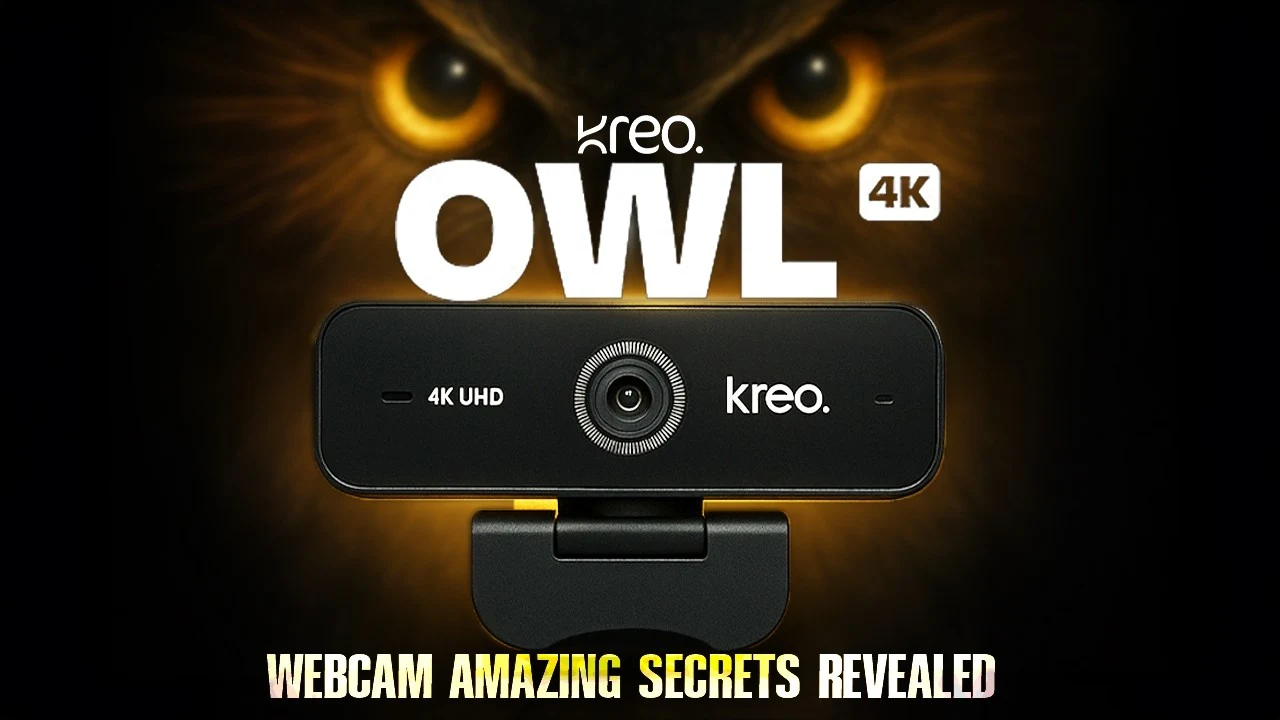
Owl 4K Webcam Review 2026: Premium Video Quality for Content Creators and Professionals
So here’s the thing – I’ve been using the Owl 4K webcam for about three months now, and honestly, I wasn’t expecting much when I first ordered it.
- Why I Even Bought This Thing?
- First Impressions - Unboxing and Setup
- The Video Quality Reality Check
- Real-World Use Cases (What I Actually Use It For?)
- The Mounting Situation
- Technical Specs That Actually Matter
- What I Wish Was Different?
- How It Stacks Up Against Competition
- Who Should Actually Buy This?
- Performance in Different Scenarios
- Three-Month Reality Check
- Common Questions From My Experience
- Bottom Line After 3 Months
- Final Thoughts
Another “4K” webcam that probably looks mediocre at best, right? Well, turns out I was pretty wrong about this one.
Let me walk you through what I actually experienced with this camera, not just what the marketing says.
Why I Even Bought This Thing?
My old Logitech webcam finally died during a client call (embarrassing much?), and I needed something fast.
The Owl caught my attention mainly because of the Sony sensor – I’ve had good luck with Sony stuff before.
Plus, the whole “no drivers needed” thing sounded appealing since I’m honestly terrible with tech setup.
Owl 4K Webcam Review 2025
Summary
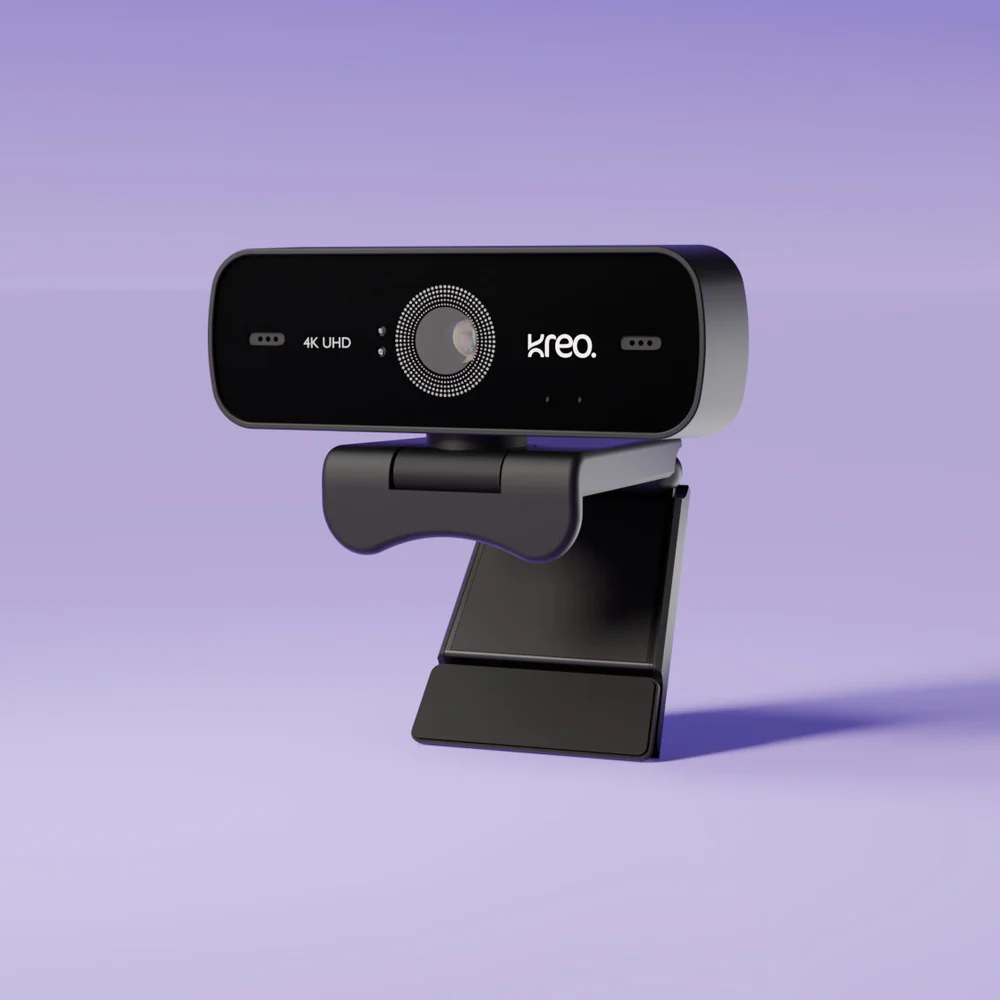
The Owl 4K Webcam positions itself as a premium solution for users who demand exceptional video quality without the complexity of professional cameras. With its Sony IMX260 sensor and advanced optical system, this webcam targets content creators, remote professionals, and anyone seeking superior video performance for streaming or video conferencing.
First Impressions – Unboxing and Setup
Right out of the box, this thing feels way more solid than I expected.
Not plastic-y at all. The weight surprised me – it’s got some heft to it, which usually means better build quality in my experience.
Setting it up was legitimately just plugging it in. I’m on Windows 11, and it recognized it immediately.
No weird driver downloads, no “please restart your computer” nonsense. Just worked. That alone was worth something to me.
The Video Quality Reality Check
Okay, let’s talk about what everyone really wants to know – how does it actually look?
The 4K situation: Yeah, it really is 4K. I compared it side-by-side with my friend’s Brio, and honestly?
The Owl looked sharper.
Colors seemed more natural too – less of that oversaturated look you get with some webcams.
But here’s what they don’t tell you – 4K at 25fps can feel a tiny bit choppy if you’re someone who gestures a lot (like me). For most video calls though? Totally fine.
1080p mode: This is actually where I spend most of my time. The 30fps makes everything smoother, and unless you’re doing professional recording, you probably won’t miss the extra resolution. Plus, it’s easier on your internet connection.
Low light performance: My home office has pretty terrible lighting, especially in winter. This camera handles it way better than my old setup.
I don’t look like I’m calling from a cave anymore, which my coworkers definitely appreciate.
Real-World Use Cases (What I Actually Use It For?)
Daily work calls: Teams, Zoom, Google Meet – works flawlessly with all of them. Colleagues have definitely noticed the upgrade. Got a few “wow, your camera looks great” comments.
Content creation: I do some YouTube videos on the side, and this has become my go-to camera for talking head shots. Way more convenient than setting up my DSLR every time.
Family calls: My mom can actually see me clearly now, which makes her happy. Win-win.
The Mounting Situation
The clip mount works on my monitor (it’s about 1.5 inches thick). Stays put, doesn’t slide around. I also tried it on a tripod for some video work – standard mounting thread, no issues there.
One thing that bugged me initially – the cable isn’t super long. If your computer is far from your monitor, you might need a USB extension cable. Not a deal-breaker, just something to consider.
Technical Specs That Actually Matter
What You Care AboutThe Reality Maximum Resolution4K (3840x2160) - actually deliversBest Everyday Setting1080p at 30fps SensorSony IMX260 (this is the good stuff)FocusAutoFocus - works well, rarely hunts Field of View 77° - good for solo use, tight for groupsConnectionUSB 3.0 - no lag issuesAudioBuilt-in mic with noise reduction
What I Wish Was Different?
The microphone: It’s okay, but not great. Fine for calls, but if you’re recording anything important, get a real mic. The noise reduction works, but your voice sounds a bit processed.
Frame rate options: I’d love 4K at 30fps or even 60fps for smoother recording. Current 25fps at 4K is the main limitation.
Software: There’s no dedicated software for adjustments. You’re stuck with whatever controls your video app provides. Some people might like this simplicity, but I wanted more control initially.
Price: Let’s be honest – it’s not cheap. You’re paying premium prices, and while the quality justifies it, budget-conscious folks have cheaper options.
How It Stacks Up Against Competition
I’ve used the Logitech Brio and Razer Kiyo Pro, so here’s my honest comparison:
vs Logitech Brio: Similar price range, but I think the Owl has better color accuracy and low-light performance. Brio has more software features though.
vs Razer Kiyo Pro: Razer has more customization options, but the image quality is pretty comparable. Owl feels more premium build-wise.
vs Budget webcams: Night and day difference. You get what you pay for here.
Who Should Actually Buy This?
Perfect for: Remote workers who are on camera frequently, content creators who want quality without DSLR complexity, anyone who values “it just works” simplicity.
Skip it if: You only do video calls occasionally, you’re on a tight budget, you need wide-angle for group calls, or you prefer lots of software customization options.
Performance in Different Scenarios
Bright office lighting: Excellent. Colors look natural, no overexposure issues.
Home office with window light: Handles mixed lighting well. Doesn’t blow out the background if you’re sitting in front of a window.
Evening with desk lamp: This is where it shines compared to cheaper webcams. Still looks good when lighting isn’t perfect.
Movement and gestures: AutoFocus keeps up well. No annoying focus hunting during normal conversation.
Three-Month Reality Check
After using this thing almost daily for three months, here’s what I can tell you:
Reliability: Zero issues. It works every single time I plug it in.
Image quality consistency: Looks the same good way it did on day one. No degradation or weird color shifts.
Durability: Still feels solid. The mount hasn’t loosened up, cable is holding up fine.
Software compatibility: Haven’t run into any programs that don’t work with it.
Common Questions From My Experience
Does it really not need drivers?
Nope, genuinely plug-and-play on Windows, Mac, and even tried it on my buddy’s Ubuntu machine.
Is the autofocus annoying?
Not really. It’s actually pretty subtle. Way better than manual focus webcams where you’re constantly adjusting.
Can you use it for streaming?
Absolutely. Works great with OBS, Streamlabs, all that stuff. Quality is definitely good enough for Twitch or YouTube.
How’s the build quality really?
Solid. Feels like it’ll last years, not months. The lens housing is metal, not plastic.
Bottom Line After 3 Months
Look, I’m not going to pretend this is perfect.
The price is steep, the mic is just okay, and I wish it had more frame rate options. But for what I needed – reliable, high-quality video for daily work calls and occasional content creation – it delivers.
The image quality is legitimately impressive, setup couldn’t be easier, and it’s been rock-solid reliable. Sometimes you pay extra for something that just works without hassle, and this is one of those times.
Would I buy it again?
Yeah, probably.
Final Thoughts
Three months in, I’m still happy with this purchase. It solved my problem (looking professional on video calls) without creating new ones (complicated setup, driver issues, unreliable performance). Sometimes that’s worth paying extra for.
Your mileage might vary depending on what you need, but for my use case, the Owl 4K has been a solid investment. Just make sure you actually need the quality upgrade before spending this much on a webcam.

IconicTechs Is A Problem-Solving Community Where We Provide Top-notch solutions to your Tech Problem.