

GEONIX Argon 32-Inch LED Curved Gaming Monitor Review
Last month, I was scrolling through Amazon when I spotted this GEONIX Argon curved monitor on sale for ₹10,999.
- Why I Took the Risk on a Brand I'd Never Heard Of?
- Key Features: Packed for the Price
- GEONIX Argon 32-Inch LED Curved Gaming Monitor Review
- What Works (and What Doesn't)?
- Pros and Cons Of GEONIX Argon
- Comparing to What Else Is Out There
- Living with It: Random Observations
- Setup Tips from My Experience
- Is It Worth ₹10,999?
- Final Thoughts
- Quick FAQ Based on Questions I've Gotten
My Previous MSI G242 24-inch flat screen was giving me headaches, and I figured it was time for an upgrade.
Now, after uing it daily for work and gaming, I want to share what nobody tells you about budget curved monitors.
Why I Took the Risk on a Brand I’d Never Heard Of?
Let’s be honest – GEONIX isn’t exactly Samsung or LG. But at nearly half the original price (was ₹29,999), I thought, why not?
The 3-year warranty gave me some confidence, and Amazon’s return policy meant I could send it back if it was terrible.
When the box arrived, I was surprised by how well everything was packed.
No damage, no missing parts.
Inside, I found the monitor, stand pieces, power adapter, an HDMI cable (always appreciated), and the manual.
Setting it up took maybe 15 minutes, and I didn’t need any tools.
Key Features: Packed for the Price
The GEONIX Argon offers a solid feature set for its sub-₹20,000 bracket:
- 32-Inch Curved Full HD Display: 1920×1080 resolution with a 16:9 aspect ratio.
- 3000R Curvature: Enhances immersion and reduces eye strain.
- 75Hz Refresh Rate: Smoother than standard 60Hz for gaming and scrolling.
- 4.5ms Response Time: Minimizes motion blur for casual gaming.
- 4000:1 Contrast Ratio: Deep blacks and vibrant colors for media.
- 16.7M Colors (8-bit): Accurate color reproduction with 99% sRGB coverage.
- Built-in Speakers: 2x 2W for basic audio.
- Connectivity: HDMI, VGA, 3.5mm audio out.
- Eye Care Features: Low Blue Light and Flicker-Free modes.
- 3-Year Warranty: Robust for a budget monitor.
- Wall Mountable: VESA 100x100mm for flexible setups.
Here’s a specs table for clarity:
| Feature | Details |
|---|---|
| Screen Size | 32 inches (80.01 cm) |
| Resolution | Full HD (1920×1080) |
| Panel Type | VA (Curved, 3000R) |
| Refresh Rate | 75Hz |
| Response Time | 4.5ms |
| Contrast Ratio | 4000:1 |
| Brightness | 250 cd/m² (max) |
| Color Gamut | 99% sRGB (approx.), 16.7M colors (8-bit) |
| Connectivity | HDMI, VGA, 3.5mm audio out |
| Audio | 2x 2W built-in speakers |
| Adjustability | Tilt (-5° to 15°) |
| VESA Mount | 100x100mm |
| Power Consumption | 40W (max) |
| Weight | 6.5 kg (with stand) |
| Warranty | 3 years |
| Price | Check Latest Here |
GEONIX Argon 32-Inch LED Curved Gaming Monitor Review
GEONIX Argon Gaming Monitor Review Curved 32INCH
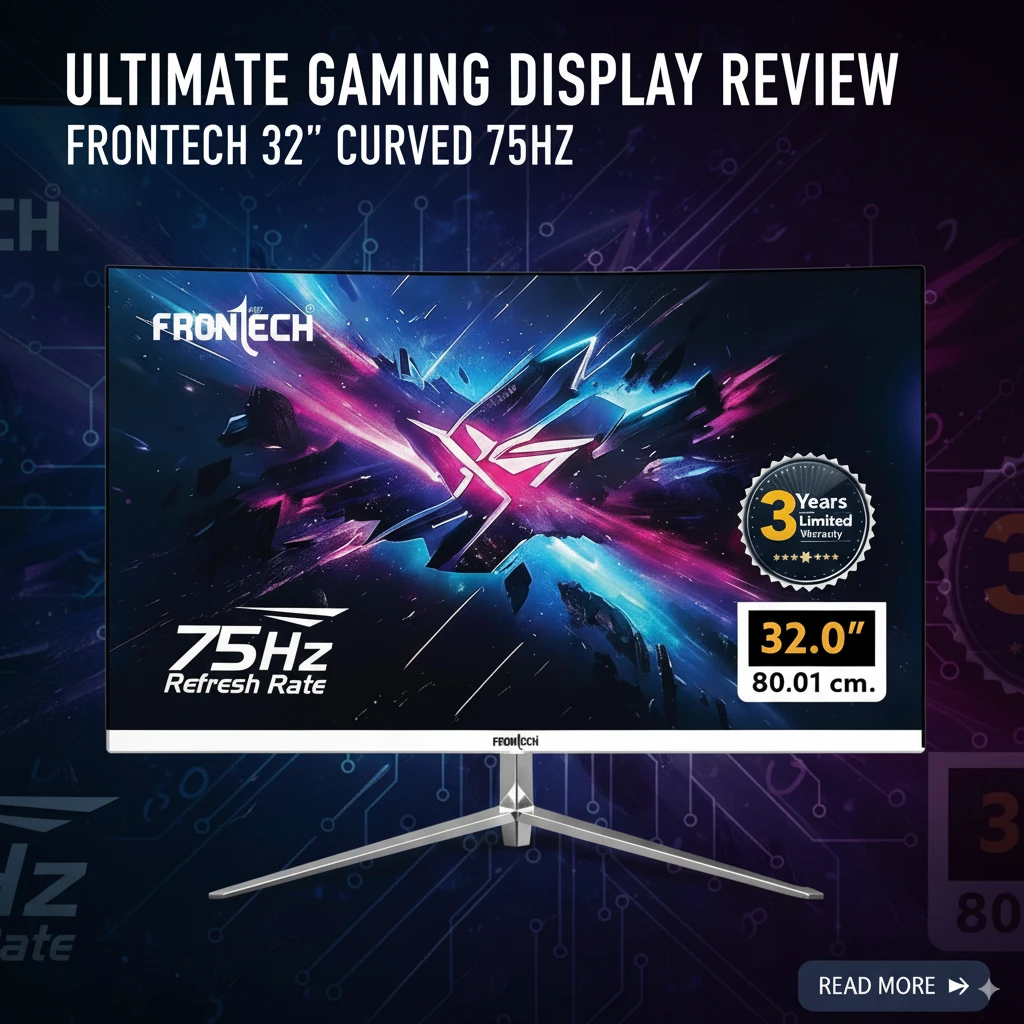
The GEONIX Argon 32-inch Curved Gaming Monitor might be the answer.
Summary
The GEONIX Argon 32-Inch Curved Gaming Monitor is a fantastic pick for budget-conscious users seeking immersion without breaking the bank.
At ₹10,999, its large curved display, solid color performance, and 75Hz refresh rate make it ideal for casual gaming, multitasking, and media consumption.
It solves the problem of needing a big, vibrant screen without the premium price tag.
While limited connectivity and basic speakers hold it back from greatness, it’s a strong value proposition for students, casual gamers, or home office setups.
I’ll admit, the curve felt weird at first.
Coming from a flat monitor, my brain needed a couple of days to adjust.
But once it clicked, I understood the hype.
The gentle 3000R curve (not too aggressive) wraps around your vision just enough to make everything feel more natural.
The 32-inch size is massive compared to what I had. My desk suddenly felt smaller, but in a good way.
Text looks sharp enough, though if you’re a pixel-peeper, you might notice it’s not as crisp as smaller monitors with the same resolution.
For normal use?
Totally fine.
What Works (and What Doesn’t)?
The Good Stuff
Gaming feels different – I mainly play RPGs and strategy games, nothing too competitive. The 75Hz refresh rate makes scrolling and camera movements noticeably smoother than my old 60Hz screen.
Playing Civilization VI on this thing is oddly satisfying – you can see so much of the map at once.
Colors really pop – Watching Netflix at night has become my new favorite thing.
Dark scenes in shows like Wednesday or Stranger Things look properly dark, not that washed-out gray you get on cheap monitors.
The contrast is legitimately impressive for this price point.
My eyes thank me – I work from home, staring at screens all day. The blue light filter actually helps.
I’m not getting those afternoon headaches anymore, and the curve seems to reduce the need to constantly refocus when looking at different parts of the screen.
Multitasking is easier – Having Slack open on one side and my work stuff on the other feels more natural with the curve.
It’s like having two angled monitors without the ugly bezel in the middle.
The Not-So-Great Parts
Those speakers though – They exist. That’s the nicest thing I can say. They sound like someone put a phone speaker inside a tin can.
I immediately connected my old Logitech speakers, problem solved.
Stand limitations – You can tilt it forward and back, but that’s it. No height adjustment, no swivel.
If your desk height isn’t perfect, you might need a monitor arm.
Thankfully, it’s VESA compatible, so mounting is an option.
Input options are basic – Just HDMI and VGA (seriously, VGA in 2026?). No DisplayPort, no USB hub. If you have a newer laptop with only USB-C, you’ll need an adapter.
Slight ghosting exists – In fast-paced games or when scrolling quickly through dark websites, you can see a faint trail.
It’s not terrible, but if you’re coming from a high-end gaming monitor, you’ll notice it.
Pros and Cons Of GEONIX Argon
After a month of daily use, here’s my honest take on who should consider this:
Perfect for:
- People upgrading from old, smaller monitors
- Work-from-home folks who want more screen space
- Casual gamers who play RPGs, strategy games, or single-player titles
- Movie watchers who want that cinema feel without spending thousands
- Anyone whose eyes get tired from flat screens
Not ideal for:
- Competitive FPS gamers (you need higher refresh rates)
- Professional photo/video editors (color accuracy is good, not perfect)
- People with tiny desks (this thing is BIG)
- Audio snobs (seriously, get external speakers)
Comparing to What Else Is Out There
I almost bought the Zebronics AC32FHD instead (similar price, similar specs).
Glad I didn’t – the GEONIX has way better reviews and that 3-year warranty is hard to beat. Sure, you could get a Samsung curved monitor, but you’re looking at ₹10,000+ more for marginally better specs.
For under ₹20,000, this hits a sweet spot.
You’re getting 80% of the premium experience for half the price.
Living with It: Random Observations
Some things you only notice after living with a monitor:
- The glossy black plastic back attracts dust like crazy
- The power LED is bright enough to light up a dark room (electrical tape fixed that)
- Switching between inputs takes a couple of seconds – minor but occasionally annoying
- The curve makes cleaning the screen slightly trickier
- My cat loves sitting behind it because it’s warm
Setup Tips from My Experience
If you buy this, here’s what I learned:
- Update your graphics drivers first – Sounds obvious, but it fixed some initial flickering
- Calibrate the colors – Out of the box, it’s a bit too vivid. Spend 10 minutes adjusting
- Position it further back – 32 inches needs more distance than you think
- Use the blue light filter – Even during the day, it helps
- Get a monitor arm – Seriously, the stand is the weakest part
Is It Worth ₹10,999?
Look, if you’re coming from a premium monitor, this might feel like a downgrade in some areas. But for most of us?
It’s fantastic value.
The immersive curve, decent colors, and smooth 75Hz refresh make daily use genuinely enjoyable.
I’ve recommended it to three friends already. Two bought it, one’s still thinking. Both who bought it are happy, especially one who does data analysis – he loves having massive spreadsheets visible at once.
Final Thoughts
The GEONIX Argon isn’t perfect, but it doesn’t need to be.
At this price, it delivers where it matters: a big, immersive screen that makes work more productive and entertainment more enjoyable.
Would I buy it again?
Absolutely.
In fact, I’m considering getting a second one for a dual curved setup (my wallet is crying at the thought).
The curve has spoiled me – going back to flat monitors at the office feels wrong now.
That alone tells you something about how well this budget monitor works.
It loses points for the terrible speakers and limited stand, but gains them right back for value, warranty, and that immersive curved experience.
Quick FAQ Based on Questions I’ve Gotten
Does it work with PlayStation/Xbox?
Yes, perfectly fine through HDMI. The curve actually makes gaming more immersive.
Is the curve noticeable in spreadsheets?
Barely. Straight lines stay straight, unlike aggressive curves that can distort.
How’s the warranty process?
Haven’t needed it, but GEONIX has service centers in major cities. That’s reassuring.
Can you mount it on the wall?
Yes, standard VESA 100×100. Just remember it’ll stick out more than a flat monitor.
Is 1080p enough for 32 inches?
For most people, yes. Sit at normal distance and it’s fine. Pixel density snobs might disagree.

IconicTechs Is A Problem-Solving Community Where We Provide Top-notch solutions to your Tech Problem.