
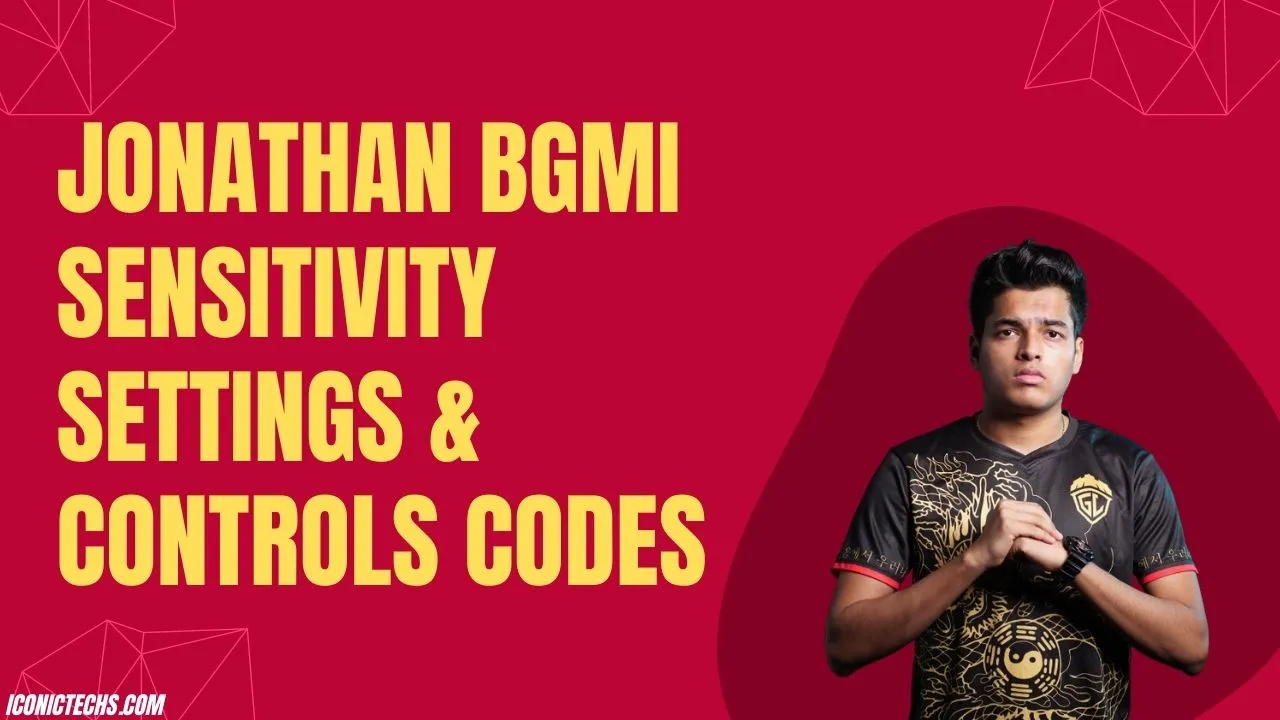
Jonathan’s BGMI Sensitivity & Control Settings 2026
Jonathan Amaral, known as Jonathan Gaming, is a top-tier BGMI player with GodLike Esports, renowned for his precise aim and clutch plays.
His 2026 sensitivity and control settings are optimized for a two-thumb, Gyroscope-on playstyle, offering players a blueprint to elevate their performance.
This guide details his latest codes, settings, and tips to help you dominate in Battlegrounds Mobile India.
If you’re chasing better recoil control or smoother movement, these settings are your ticket to pro-level gameplay.
Jonathan’s BGMI Sensitivity Settings
Sensitivity settings in BGMI control Camera (view movement), ADS (aiming down sights), Gyroscope (tilt aiming), and ADS Gyroscope.
Jonathan’s setup balances speed and accuracy, tailored for his high-skill, two-thumb approach. Below is his configuration based on the latest sources, with a note on conflicting codes.
Jonathan’s BGMI Sensitivity Settings (2026)
| Category | Setting | Purpose |
|---|---|---|
| Camera Sensitivity | 3rd Person No Scope: 120% | Fast view sweeps for situational awareness |
| 1st Person No Scope: 120% | Consistent with 3rd person for fluid transitions | |
| Red Dot/Holo: 50% | Stable tracking in close fights | |
| 2x Scope: 40% | Controlled aim for mid-range | |
| 4x Scope: 25% | Precise for long-range sprays | |
| ADS Sensitivity | 3rd Person No Scope: 120% | Matches Camera for seamless aiming |
| Red Dot/Holo: 50% | Steady aim during fire | |
| 4x Scope: 25% | Tight recoil control at distance | |
| Gyroscope | 3rd Person No Scope: 300% | Quick tilts for rapid response |
| Red Dot/Holo: 280% | Slightly lower for close-range stability | |
| 4x Scope: 200% | Controlled for precision shots | |
| ADS Gyroscope | Red Dot/Holo: 280% | Consistent with Gyro for firing |
| 4x Scope: 200% | Maintains accuracy in scoped sprays |
Jonathan’s BGMI Sensitivity Code
How to Apply:
- Go to BGMI > Settings > Sensitivity.
- Tap the magnifying glass, input the code, and select Preview.
- Adjust slightly if too fast, then save.
Jonathan’s BGMI Control Settings
Jonathan’s two-thumb control layout prioritizes accessibility and efficiency, leveraging Gyroscope for aim while keeping buttons intuitive.
Control Layout Details:
- Joystick: Left side, medium size for smooth movement.
- Fire Button: Right side, large for quick taps.
- Aim/ADS: Gyro-driven, with secondary buttons for precision.
- Crouch/Prone: Bottom-right, spaced to prevent errors.
- Reload/Interact: Centered for easy access.
How to Apply:
- Navigate to BGMI > Settings > Customize Buttons.
- Select Search Method, enter the code, choose Classic layout.
- Save and test in Training Mode.
Jonathan’s BGMI Profile
To follow or spectate Jonathan’s gameplay:
- BGMI ID: 5298394296 (confirmed by BGMI Update).
- In-Game Name: GxdLJON8THAN16 (may vary; search by ID).
- 2026 Stats: 85.7 SS-grade rating, 9.15 F/D ratio, 11.3% squad win rate (per AFK Gaming).
Tips to Maximize Jonathan’s Settings
- Start Gyroscope at 150-200% if 300% feels overwhelming; increase gradually.
- Spend 10-15 minutes daily in Training Mode to adapt to high sensitivity.
- Practice two-thumb movement—keep fingers fluid for simultaneous aim and fire.
- Study Jonathan’s YouTube (5M+ subscribers) for real-time setting applications.
- Adjust settings 5-10% to match your device’s response or playstyle.
FAQs About Jonathan’s BGMI Sensitivity & Controls
What’s Jonathan’s 2025 BGMI sensitivity code?
Use 7120-0815-5403-4938-964 for the latest settings. Older code 6983-8879-3515-7307-129 may work but could be outdated.
How do I apply his control code?
In BGMI > Settings > Customize Buttons > Search Method, enter 7120-0815-5403-4938-963, preview, and save.
What’s Jonathan’s BGMI ID?
It’s 5298394296, with username GxdLJON8THAN16 (subject to change).
Are these settings beginner-friendly?
The two-thumb layout is simple, but high Gyro sensitivity needs practice. Lower it initially for comfort.
Do these work for PUBG Mobile?
Yes, with minor tweaks—test in PUBG’s Training Mode to confirm compatibility.

IconicTechs Is A Problem-Solving Community Where We Provide Top-notch solutions to your Tech Problem.
tatti setting